VIBE AI Video logo
VIBE AI Video on iPhone and Android

Sora 2 AI Video Generator App

VIBE AI Video is an AI video generator app for creators and brands on iPhone and Android that turns text-to-video and image-to-video ideas into short clips.

Download VIBE AI Video on the App StoreGet VIBE AI Video on Google Play
  • Create Sora 2 AI videos from a prompt
  • Turn photos and product shots into motion
  • Export clips for TikTok, Reels, and Shorts

VIBE AI Video Generator Models

The AI video models inside VIBE, all in one place

VIBE AI Video Generator gives you more than one way to build a scene. Some ideas need quick cinematic motion, some need glossy short-form punch, and some need something stranger or more playful. That is why the app includes Google Veo 3.1 Fast, Seedance 2.0, LTX 2, Pixverse 5.6, Hailuo, WAN, Kling 3, and Grok Imagine, with new models added over time.

Google icon

Google Veo 3.1 Fast

Fast cinematic motion for clean social-ready clips

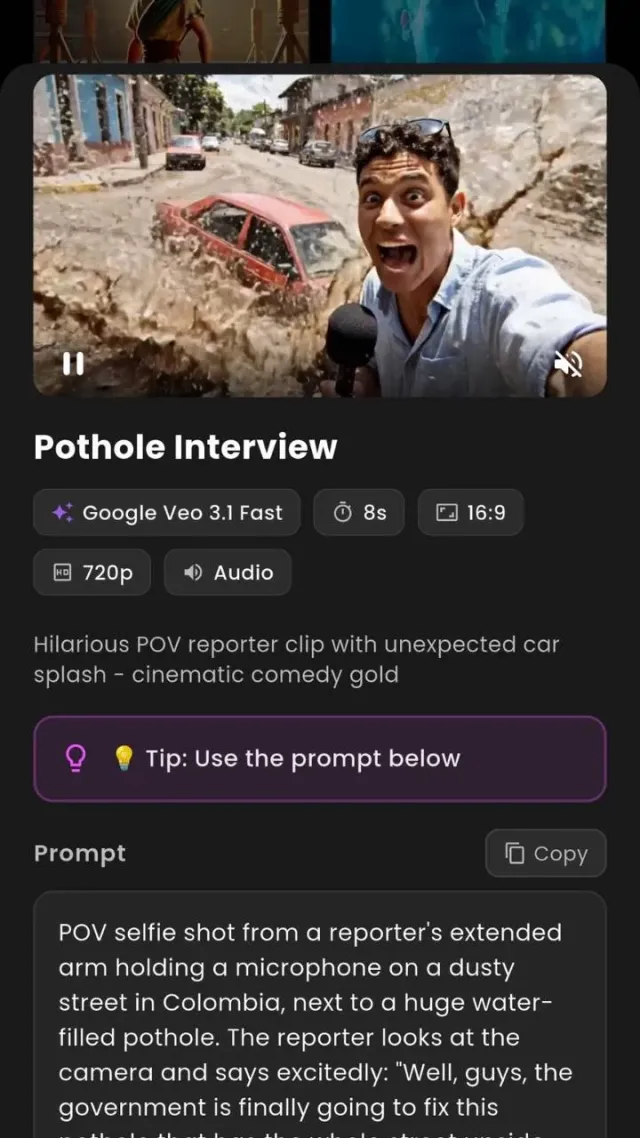
Google Veo 3.1 Fast is a strong pick when you want quick turnaround without the scene feeling rushed or flat. It works well for product shots, fast concept tests, short promos, and polished social clips with smooth motion. If you like trying an idea, adjusting the mood, and getting to a usable version quickly, this model fits that pace really well.

S2

Seedance 2.0

Stylish scene-making with pace, personality, and energy

Seedance 2.0 feels good when the clip needs movement, rhythm, and a little extra life from the first second. It suits fashion edits, mood clips, playful promos, and short-form videos that should feel alive right away. If you want something with bounce, color, and a stronger vibe instead of a flat draft, Seedance 2.0 is easy to build around.

LTX icon

LTX 2

A flexible option for fast ideas and clean direction

LTX 2 works nicely when you want to test a concept without overcomplicating the setup. It is useful for quick storyboards, ad drafts, visual experiments, and scenes that need a clear direction from the opening frame. If you like moving fast, trying a few versions, and choosing the cleanest one, LTX 2 matches that workflow naturally.

Pixverse icon

Pixverse 5.6

Bold short-form visuals built to grab attention fast

Pixverse 5.6 is strong when you want a clip that feels punchy right away. It works well for dramatic reveals, stylized edits, product moments, and social videos that need to stop the scroll fast. If you want visuals that feel bright, sharp, and built for attention without losing polish, Pixverse 5.6 is one of the easiest models to reach for.

H

Hailuo

Smooth cinematic style with a softer, more immersive feel

Hailuo is a good choice when the scene needs atmosphere, softness, and a more cinematic flow. It fits lifestyle visuals, beauty content, dreamy edits, and story-driven moments where mood matters as much as the subject. If you want something that feels less hard-edged and more immersive from start to finish, Hailuo brings that calmer, polished energy.

W

WAN

Creative range that still keeps the main idea easy to read

WAN works well when you want to push a scene in a more imaginative direction without losing clarity. It is useful for fantasy shots, product concepts, animated ideas, and short-form visuals that still need a strong subject in the middle of the action. If you like unusual prompts but still want a clean, watchable result, WAN gives you that balance.

Kling icon

Kling 3

A premium-looking model for richer motion and bigger scenes

Kling 3 is one of the strongest options when you want scenes to feel rich, smooth, and expensive from the start. It is great for cinematic concepts, brand visuals, product reveals, and clips where motion quality really matters. If the idea in your head feels like it should look deeper, cleaner, and more dramatic, Kling 3 is a natural match.

GI

Grok Imagine

Weirder, bolder visuals when safe ideas are not enough

Grok Imagine is fun when the concept needs more personality and less predictability. It works well for surreal scenes, internet-native humor, bold experiments, and content that should feel different from the safer version everyone else would make. If you want something with edge, attitude, and a more unexpected vibe, Grok Imagine brings that sharper energy.

Sora 2 AI Video Generator

What a Sora 2 AI Video Generator should actually help you do

A good Sora 2 AI Video Generator should help you take an idea that is still rough in your head and turn it into a clip that already feels worth sharing.

  • Start with one clear prompt instead of a long, robotic paragraph.
  • Turn photos, product shots, and rough concepts into moving scenes fast.
  • Keep the creative flow on mobile instead of bouncing across six tools.

Sora 2 AI Video Maker

Why creators and brands keep looking for a Sora AI Video Generator that feels premium

When people say they want Sora 2 style output, they are usually talking about feel. They want scenes with presence. Motion with weight. Lighting that looks chosen, not random.

  • Use it when the goal is better taste, not just faster output.
  • Test campaign looks, content angles, and visual hooks before you commit.
  • Keep the premium feel without turning the process into a production class.

Create Sora 2 Videos

How to create Sora 2 videos in VIBE without turning it into homework

The best way to get good output is not to overcomplicate it. You do not need a mega prompt, a long tutorial, or a fake-tech voice. If you already look at short-form references from VIBE AI, the same rule still wins: start with a clear idea, a strong direction, and a few fast iterations.

  • Lead with the first visual moment, not a giant backstory dump.
  • Pick the final format before you lock the scene.
  • Generate a few intentional versions and export the one that opens strongest.

Create Sora 2 Videos

Big prompt energy, but still sharp enough to post

The strongest prompts create an instant frame in your head. These three directions show how VIBE can move from spectacle to playful world-building without losing the short-form feel.

  • Volcano Drop: big first-person action with instant scale and motion.
  • Lego Jungle Chase: playful world-building that still feels polished enough to post.
  • Alien Arrival: one cinematic reveal built to stop the scroll fast.

VIBE AI Video Generator

Why VIBE AI Video Generator feels made for real posting, not just testing

Some tools look good the first time you open them, then fall apart when you try to use them for real content. VIBE makes more sense when you want something you can keep coming back to every week.

  • Made for repeat use, not one-off tests.
  • Built for the way mobile creators actually collect ideas and references.
  • Flexible enough for social posts, product teasers, mood clips, and concept drafts.

VIBE AI Video Generator FAQ

Frequently Asked Questions

If you are deciding whether VIBE fits the way you create, start here. These are the things most people want to know first: how the app works, whether you can start from text or images, which kinds of clips it is good for, and whether it feels simple enough to use often instead of once and forgetting about it.

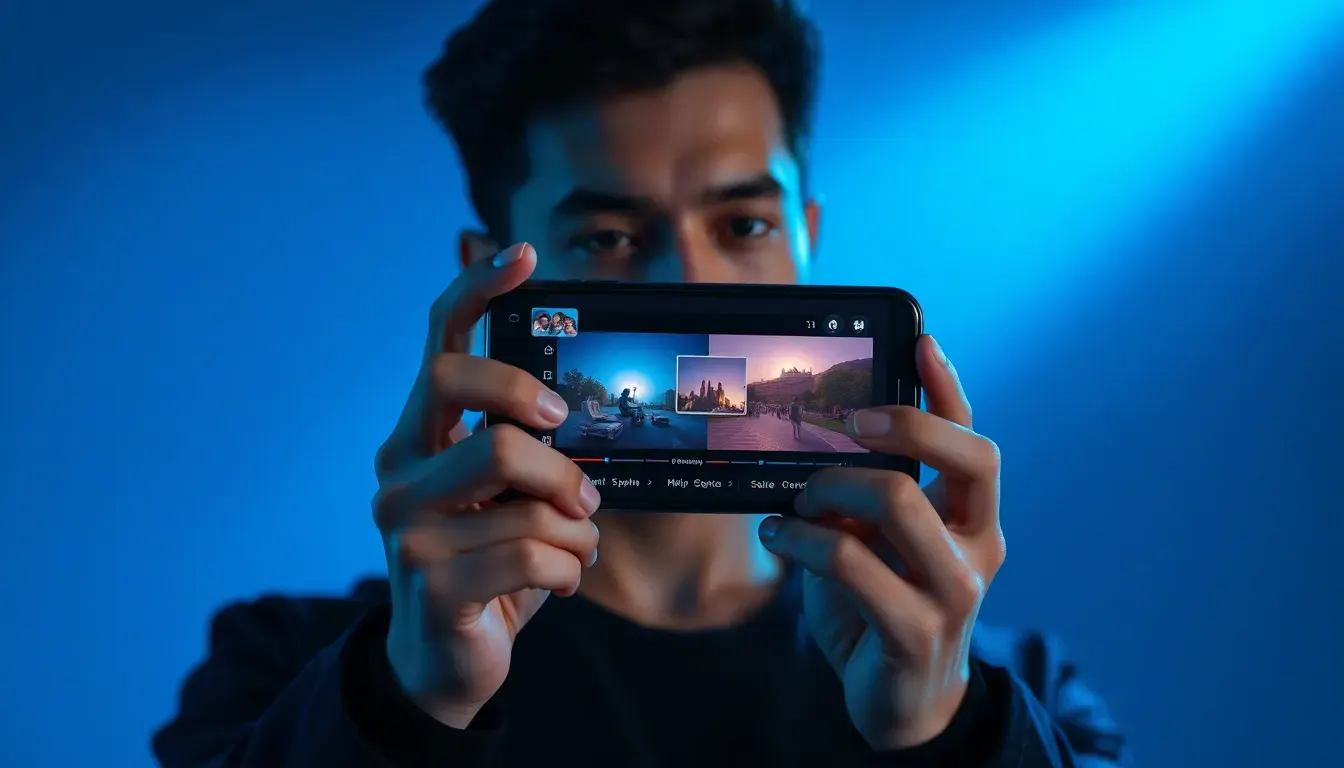
Creator holding a phone with AI video generator visuals
Volcano roller coaster prompt scene
Lego jungle chameleon prompt scene
Creators reviewing AI video clips on mobile devices

What is VIBE AI Video Generator?

VIBE AI Video is an AI video generator app for creators and brands on iPhone and Android that turns text-to-video and image-to-video ideas into short clips. Instead of describing a scene to somebody else and waiting for it to become real later, you can test the scene yourself right away. That makes it useful for creators who post often, marketers who want faster mockups, and anyone who has been sitting on an idea that would make more sense in motion. It is built to feel clear, direct, and easy to come back to instead of overwhelming.

Is VIBE a Sora 2 AI Video Generator?

VIBE works as a Sora 2 AI Video Generator experience for people who want Sora 2 style creation inside a cleaner mobile workflow. The main reason that matters is convenience. A lot of users are not looking for an overly technical setup. They are looking for a way to create strong-looking scenes fast, compare directions, and export something they can actually use. VIBE is designed around that need. So if you are searching for a Sora 2 AI Video Generator because you care about cinematic feel, strong motion, and smoother scene-making on your phone, VIBE is aimed right at that use case.

Can I use VIBE as a Sora 2 AI Video Maker if I am brand new to prompts?

Yes, and that is one of the big reasons the app makes sense. You do not need to write giant movie-script prompts to get started. In fact, short, visual, specific prompts usually work better. Think in scenes, not essays. Start with the subject, the action, the place, and the mood. For example: a glowing product bottle on wet black stone under cool blue light. Or: a dragon of fire crossing a frozen fjord under northern lights. That kind of clarity gets you further than trying to sound technical. A good Sora 2 AI Video Maker should lower the barrier instead of making you feel like you need a secret language first.

Can I create Sora 2 videos from an image instead of starting from text?

Yes. That is a huge part of why VIBE AI Video Generator is practical. Some of the best ideas do not start as prompts. They start as a photo you already took, a screenshot you saved, a product image from a draft campaign, or a mood reference you want to bring to life. Starting from an image can actually make the creative direction easier because the visual anchor is already there. It helps lock the look before the motion gets added. If you want to create Sora 2 videos from something more concrete than a blank text box, image-based workflows are often the fastest way to get a result that feels closer to what you had in mind.

Why do people want a Sora AI Video Generator for TikTok, Reels, and Shorts?

Because short-form video lives or dies on how fast a scene makes somebody feel something. A good Sora AI Video Generator helps with that by giving creators access to richer motion, more cinematic atmosphere, and stronger visual hooks. You can open with a giant reveal, a surreal environment, a clean product moment, or an image that feels bigger than the screen. That matters on TikTok, Reels, and Shorts because there is almost no time to win attention. VIBE is useful here because it keeps the flow mobile and makes it easier to think in the formats people already watch. That is a much better setup than building a clip somewhere else and then trying to force it into a social frame later.

Is VIBE AI Video Generator only for creators, or can brands use it too?

Brands can absolutely use it too. A team can use VIBE AI Video Generator to test campaign visuals before spending real production money. You can mock up mood, energy, product focus, color direction, reveal shots, and social-first concepts fast enough to make internal feedback easier. It is useful for launch content, paid social drafts, product storytelling, event teasers, and fast-turn content calendars. The value is simple: you can see the idea early, react to it faster, and decide where to take it next.

What makes VIBE different from other Sora 2 AI Video Maker tools?

The biggest difference is that VIBE feels built for ongoing use instead of a one-time experiment. A tool can generate a clip and still feel awkward the second you try to use it often. VIBE works better when you want to revisit ideas, test multiple directions, keep things mobile, and leave the app with files that actually match where the content will live. That makes it feel less like a novelty and more like part of your process.

Do I need a perfect idea before I open VIBE?

Not at all. One of the best uses of VIBE AI Video Generator is figuring out what the idea should become. A lot of creative work is not about executing a finished plan. It is about exploring until one version clicks. You might begin with something loose like 'icy fantasy creature in blue light' or 'luxury sneaker reveal with rain and chrome reflections' and then refine from there. That is normal. The app becomes valuable when it helps you discover the stronger angle quickly. So no, you do not need a flawless concept first. You need enough of a picture to start, then a workflow that lets you sharpen it without killing the energy.

VIBE AI Video logo

VIBE AI Video

Download the app and start creating

VIBE AI Video screenshot framed like an iPhone device

Sora 2 AI Video Maker

Ready to make your first clip feel bigger than your screen?

If you want a Sora 2 AI Video Generator that feels modern, mobile, and easy to use every day, start with VIBE. You can test a product idea, build a strange fantasy scene, mock up a launch visual, or make the kind of short-form clip that feels too polished to ignore. Open the app, get the idea moving, and keep going while the creative momentum is still there.

Download VIBE AI Video Generator, open a prompt, and create Sora 2 videos in a workflow that feels clean enough for beginners but strong enough for people who care about the final look. If the next post, pitch, mood clip, or campaign hook is already in your head, this is where you turn it into motion.

Download VIBE AI Video on the App StoreGet VIBE AI Video on Google Play